Plan your launch-night setup
Choose your console, screen and budget, keep equipment you already own, and save your setup on this device.
Explore the update →Publication record ↗Your GTA VI launch plan
Choose your edition, check local prices and build a setup around the equipment you already own.
The countdown to GTA VI
Confirmed dateCounting to 00:00 UTC on the release date. This is not a confirmed unlock time.
Current GTA VI guides
Choose your console, screen and budget. Keep what you own and save a shopping shortlist.
Build my setup →02 / Edition buyer guideSee what each edition includes, compare local prices, and save your choice.
Read the guide →03 / Reported character systemFollow the reported profiles for Jason and Lucia and what they may change across the story.
Read the guide →04 / Reported open-world systemSee what current previews say about targets, cameras, witnesses, tools and escape planning.
Read the guide →Meaningful updates to this guide. Dates reflect publication, not your visit or a routine site rebuild.
Choose your console, screen and budget, keep equipment you already own, and save your setup on this device.
Explore the update →Publication record ↗Launch information, edition comparison, Criminal Profile, robberies and the checklist now have translated versions. Your checklist progress stays the same when switching languages.
Explore the update →Publication record ↗Two focused guides organize attributable preview reporting, its sources and what remains unconfirmed. These are reported systems, not complete official specifications.
Explore the update →Publication record ↗A whole world to discover
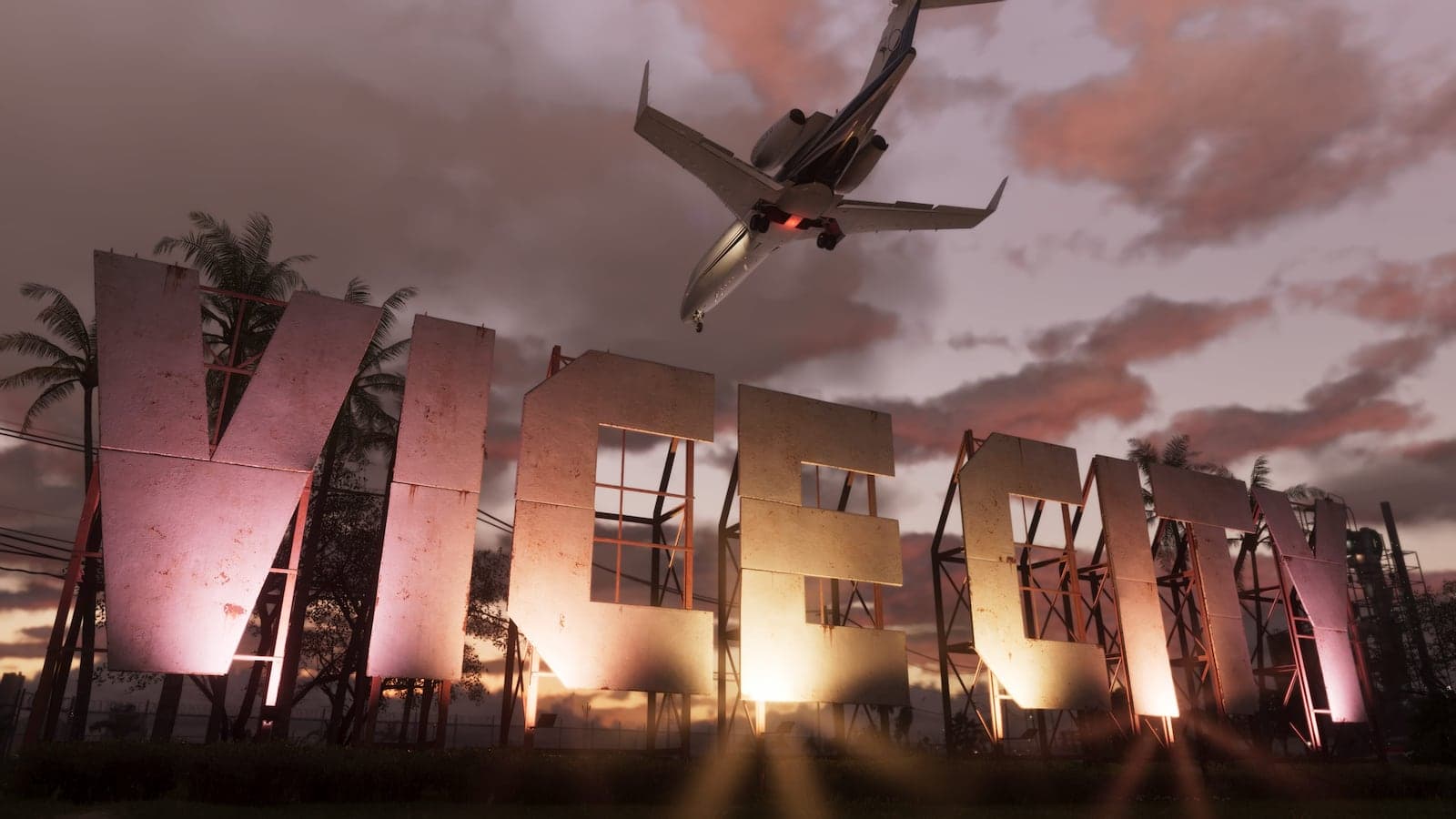
Explore Leonida, one region at a time.
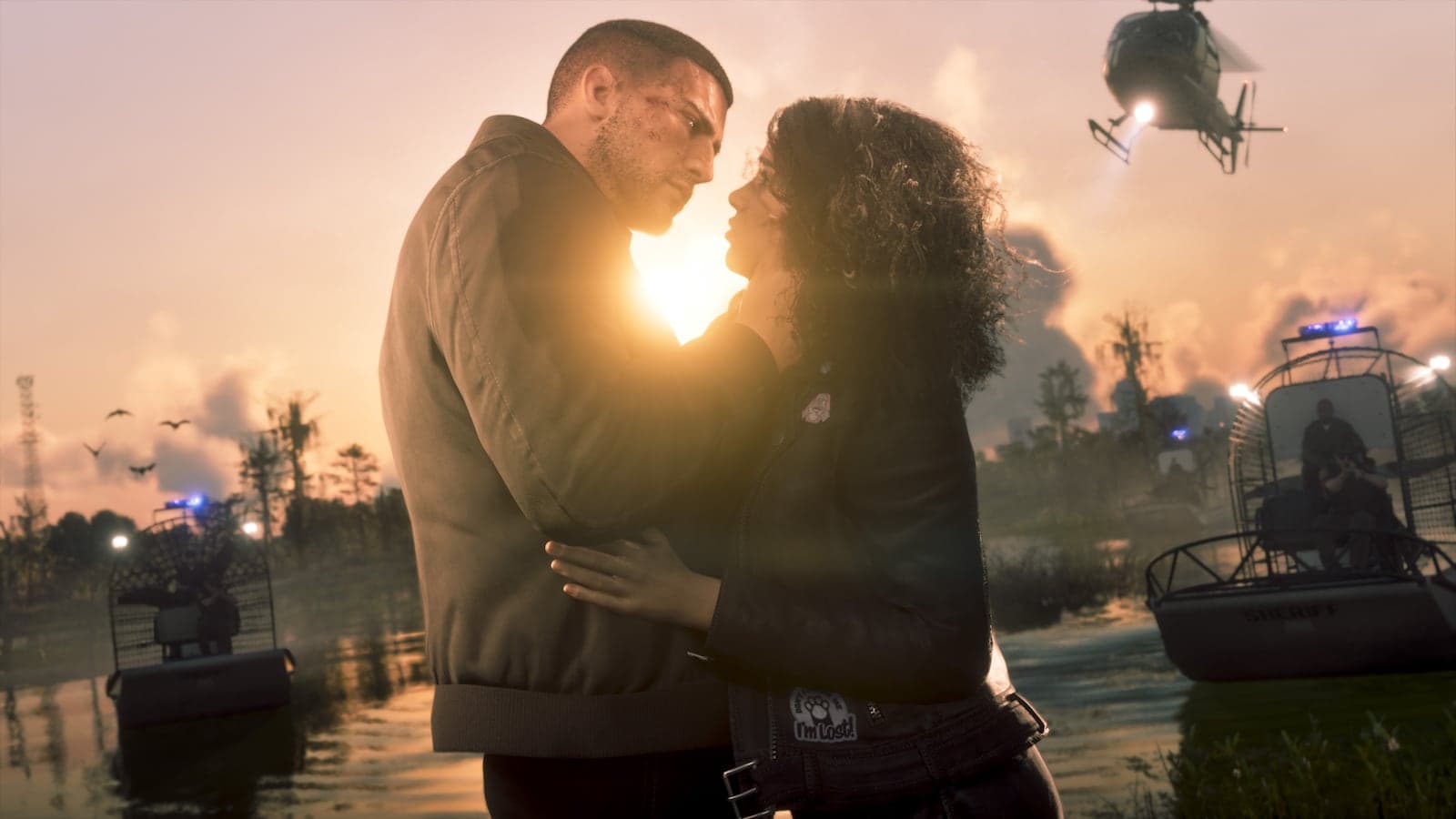
Get to know the people and their connections.
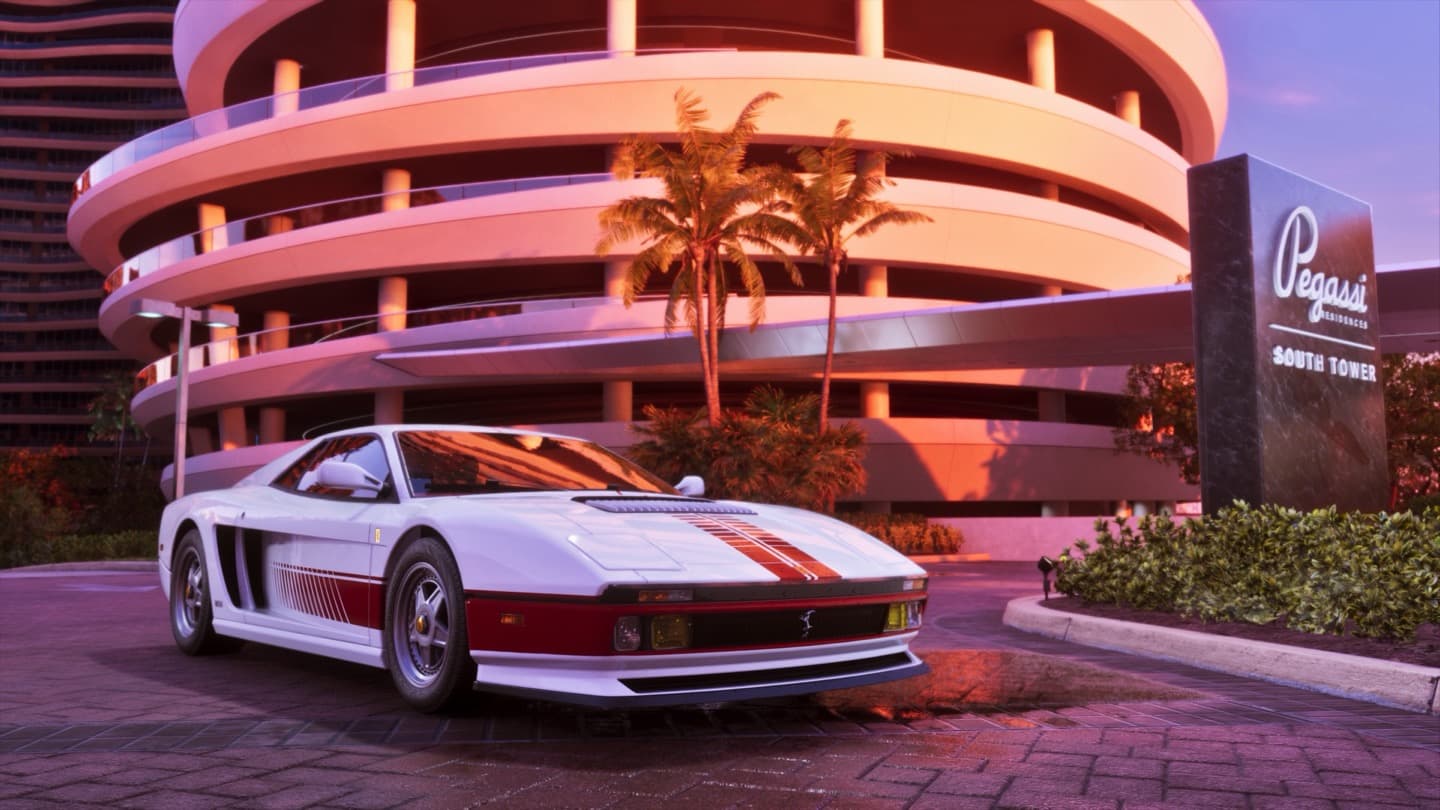
Find your favorites. Compare your next ride.
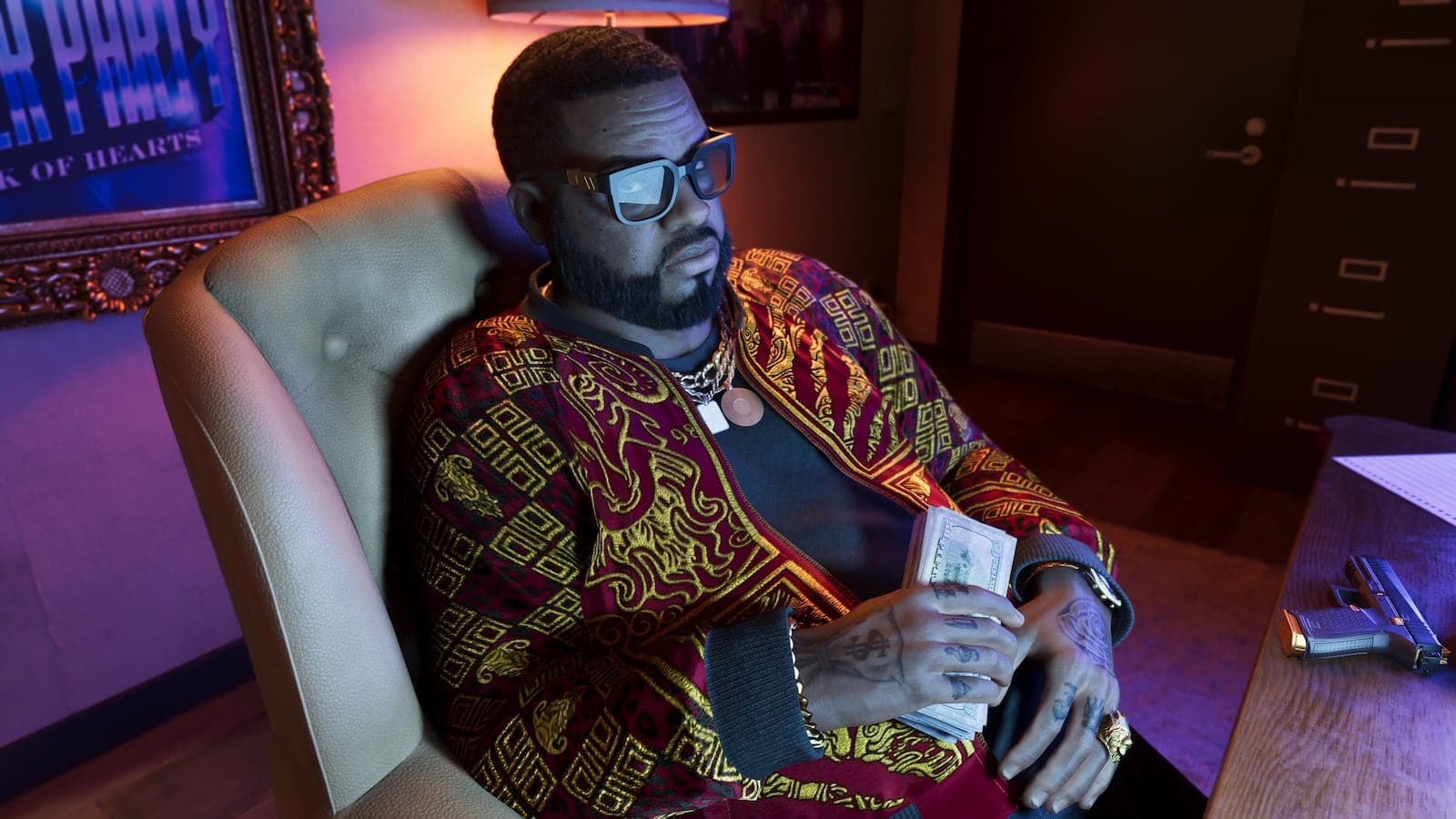
Find the places worth adding to your plans.
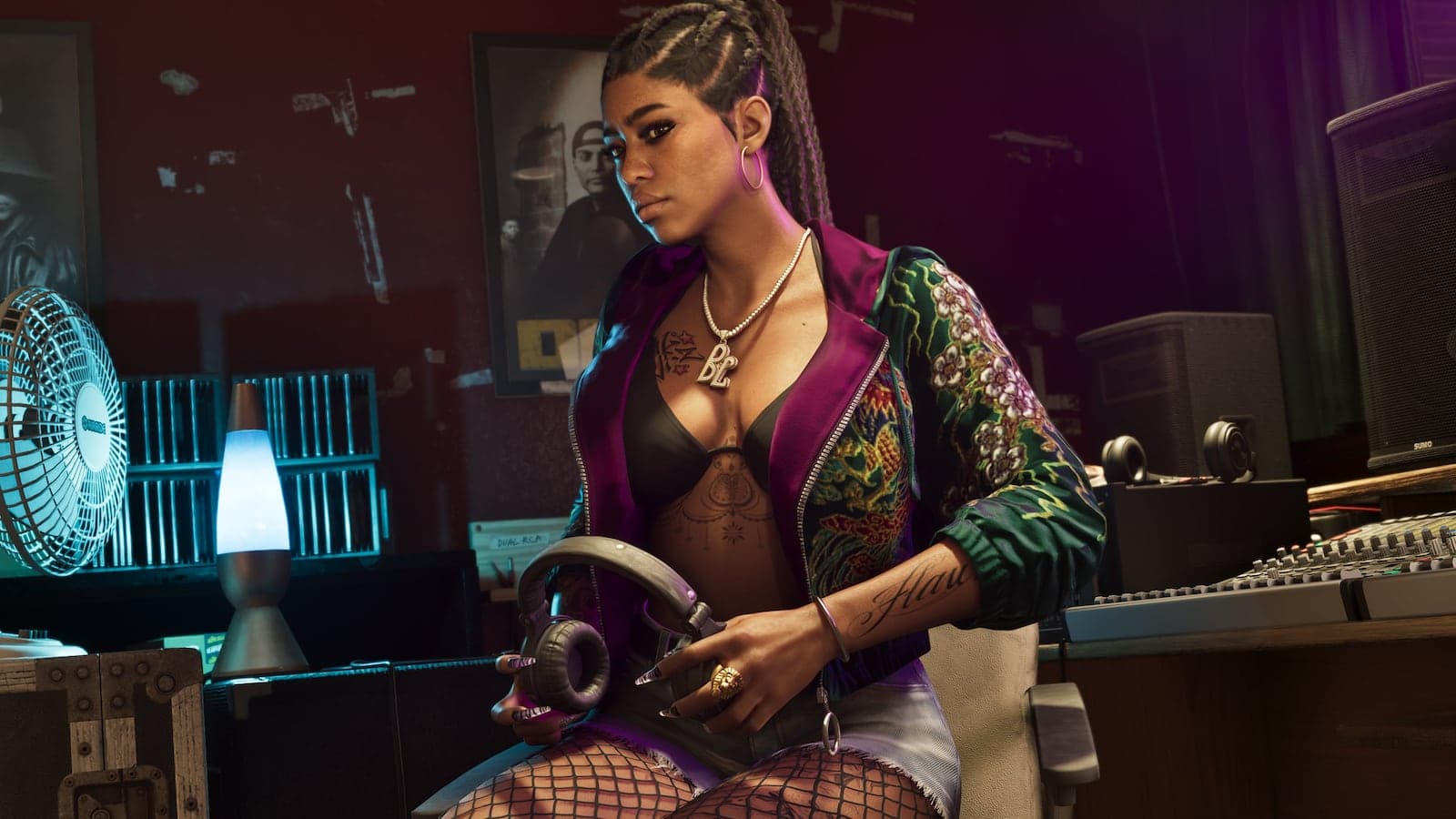
See how people and places link together.
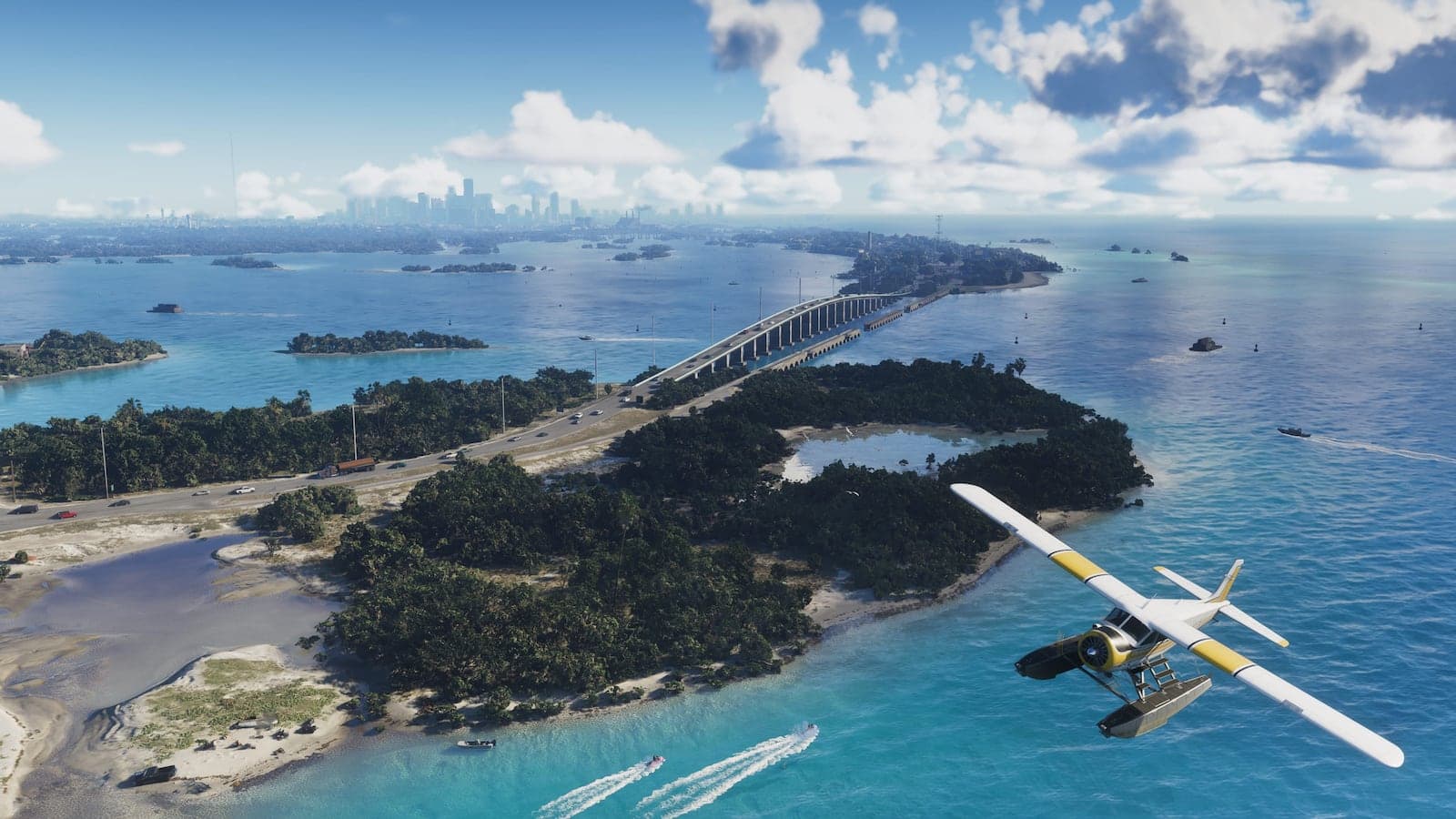
Explore the scenes behind the world.
Saved here. Ready when you are.
No sign-up. Your collections and plans stay on this device.
Characters, places, and rides—organized into your own boards.
Create a collection →02 / ExploreChoose your regions, order your stops, and add side plans.
Plan a route →03 / DecideCompare editions, vehicles, characters, regions, and activities.
Start comparing →Find your next discovery. Explore places, meet the cast, and keep your favorites together.
About this guide ↗